
Drawquarium Wiki
Draw and import fish, raise them in a relaxing aquarium, collect Golden Scales, decorate your tank, and turn it into a living desktop wallpaper.
Explore the Wiki
Start Your First Run
Learn how to build your first tank in Drawquarium by creating custom plants, configuring swimming behaviors, and feeding hungry fish.
Click the add icon in the upper-left corner of the interface and select the plant category
Click the add icon in the upper-left corner of the interface and select the plant category.
Select an existing shape from the drawing templates or sketch a new outline from scratch
Select an existing shape from the drawing templates or sketch a new outline from scratch.
Drawing TemplatesSwitch to step two to apply base colors, gradients, and opacity adjustments
Switch to step two to apply base colors, gradients, and opacity adjustments.

Explore the Wiki
From drawing your first fish to aquarium care and desktop wallpaper, choose the topic you need.
What Is Drawquarium?
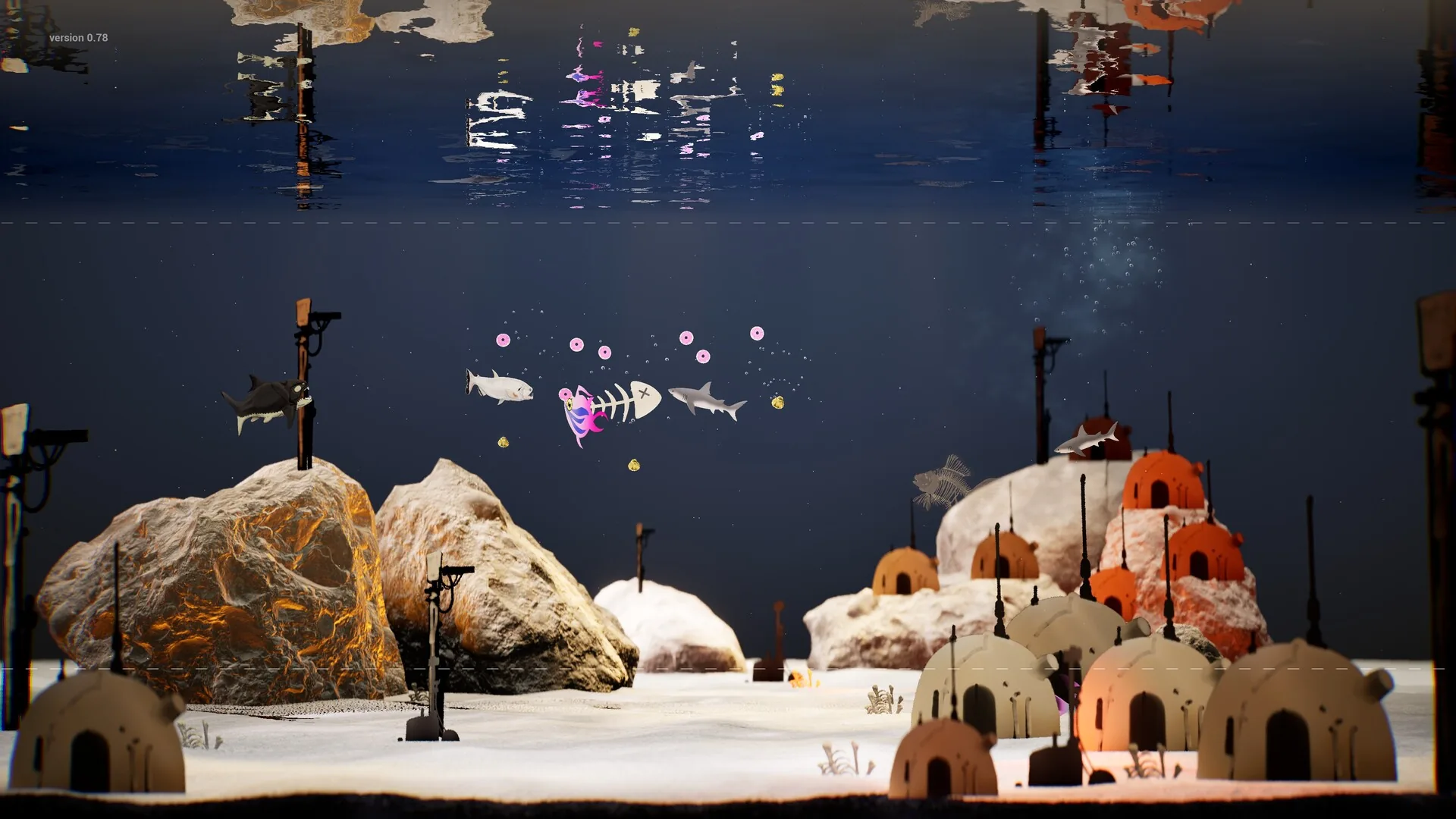
Drawquarium is a cozy aquarium sandbox simulation developed by byKaleb and published by rokaplay for Windows PC. Players paint original sea creatures and aquatic vegetation inside an interactive glass tank without spending currency, watching their custom hand-drawn artwork come to life.
Starting a fresh aquarium requires placing two custom plants to unlock creature creation. Players feed juvenile fish every 24 hours to help them grow, collect golden scales from thriving tanks to unlock decorations, and assign distinct swimming behaviors while managing desktop productivity tools.
Explore All GuidesDeveloper
byKaleb
Publisher
rokaplay
Platform
Windows PC
Genre
Simulation
Planned Release
Nov 13, 2026
Latest Guides
Read Bioluminescent Fish
Understand how the light layer works in Drawquarium to design glowing fish and pair them with ambient tank backgrounds.
Read Draw Fish
Follow step-by-step methods to design custom aquatic creatures in Drawquarium using canvas brushes, body templates, and behavioral swimming archetypes.
Read Draw Plants
Create custom tank foliage using shape drawing tools, plant templates, shading layers, and tank placement controls across your aquariums.
Read Drawing Templates
Learn how to choose, paint, and customize pre-built fish and plant outlines in the canvas editor.
Read Import PNG
Bring external PNG artwork into your tank, trim edges with in-game tools, and select movement styles for custom fish.
Read Clone Fish
Learn the exact steps to duplicate custom creatures in Drawquarium and manage tank population limits effectively.
Read Crash Fix
Apply targeted workarounds for startup failures, file import freezes, and editor crashes across the Drawquarium simulation demo.
Frequently Asked Questions
A few useful distinctions before you start.
Ready to Collect Golden Fish Scales?
Start with the beginner guides, learn to draw and import fish, or set up desktop wallpaper mode.